Generate Slides
Generate professional AI-powered slides with SlideBuild. Learn the generation process, what to expect, and how to create polished presentations in minutes.
After configuring all your settings, it's time to let SlideBuild do its magic.
This guide will show you
how to generate slides with SlideBuild and what to expect
during the process.
Click the Generate Button
After selecting your template, configuring your description, choosing your settings, and customizing your design, click the Generate button. This initiates the AI-powered slide generation process.
Watch the Generation Process
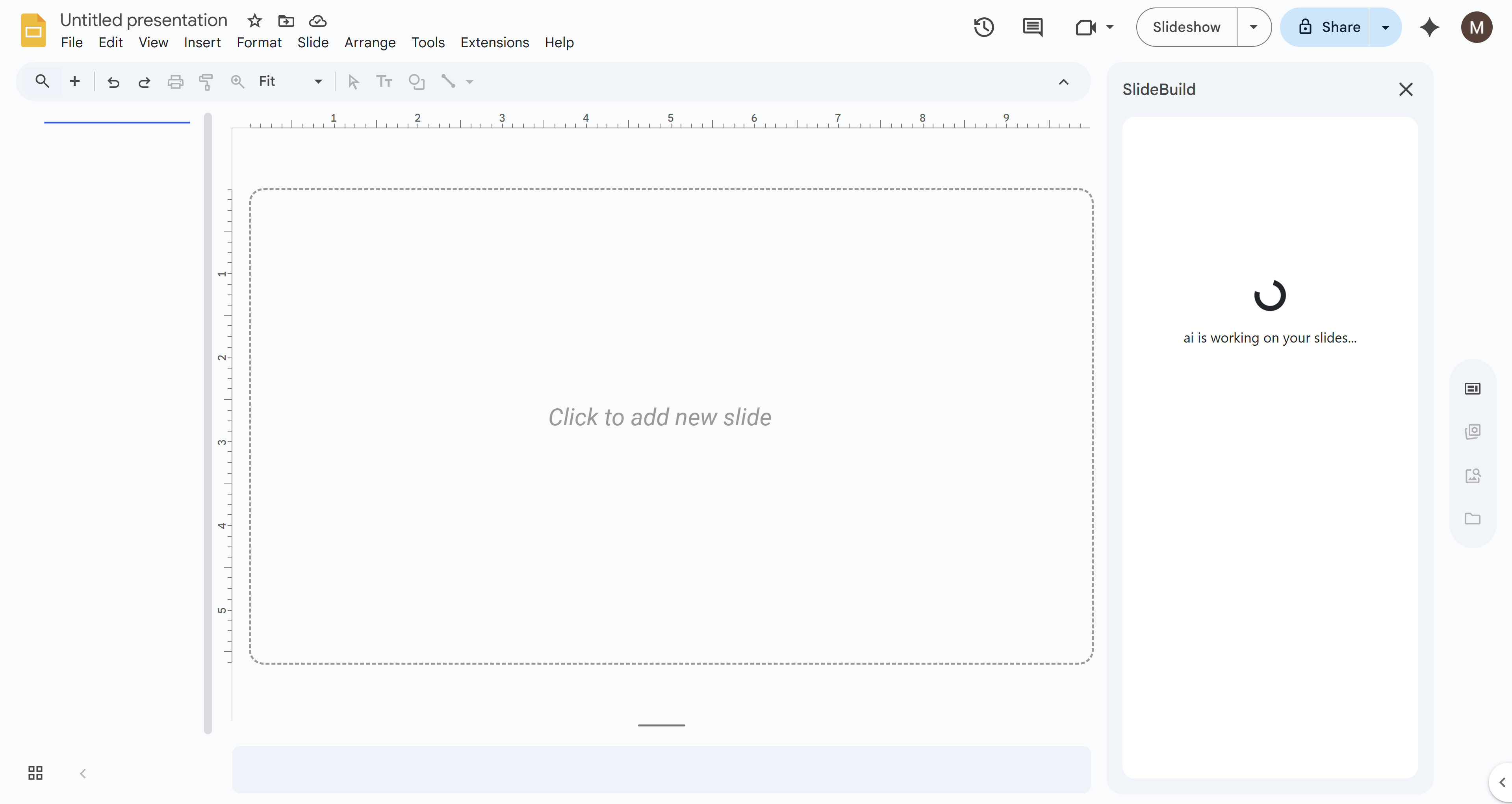
During this stage, SlideBuild organizes your input, applies your chosen template, colors, and fonts, and inserts AI-generated visuals. You'll see a progress indicator showing that SlideBuild is working on your presentation.
Wait for Completion
Be sure not to close the tab or interrupt the process during generation. The process typically takes 30-60 seconds depending on the length and complexity of your presentation. Within moments, your polished slide deck will be ready.
Your Slides Are Ready
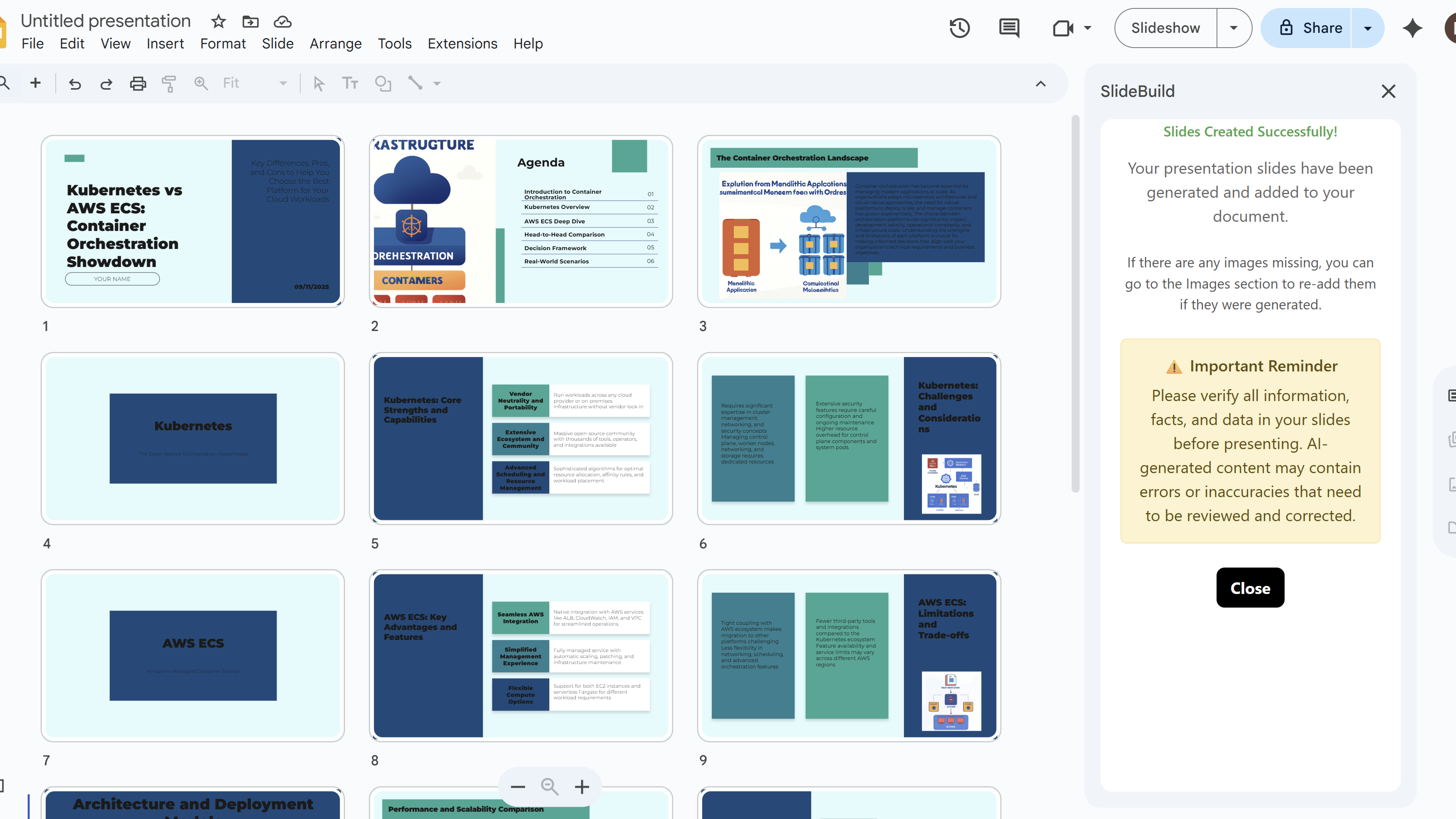
Once generation is complete, you'll see a success message and your newly created slides will appear in your Google Slides presentation. The heavy lifting has already been done by SlideBuild, saving you hours of design time.
Create Slides Faster with SlideBuild

Tips for Generating Slides
- Keep the browser tab open during generation to avoid interruptions
- Don't make changes to your presentation while SlideBuild is generating
- Ensure you have a stable internet connection before starting the generation
Common Pitfalls When Generating Slides
- Generation Interrupted: If you close the tab or lose internet connection, you'll need to restart the generation process
- Takes Too Long: If generation takes longer than expected, check your internet connection and try again
- Error Message: If you see an error, verify your description isn't too long and all settings are properly configured
Related Resources
SlideBuild: AI Slides Maker
Create professional Google Slides presentations in minutes using AI. Perfect for business, education, and more.
- AI-powered slide generation
- Customizable templates
- Brand color palettes
- AI-generated images
- One-click slide creation
- Perfect for business and education